Native Library Interop: The Friendly Neighborhood Translator
What is NLI?
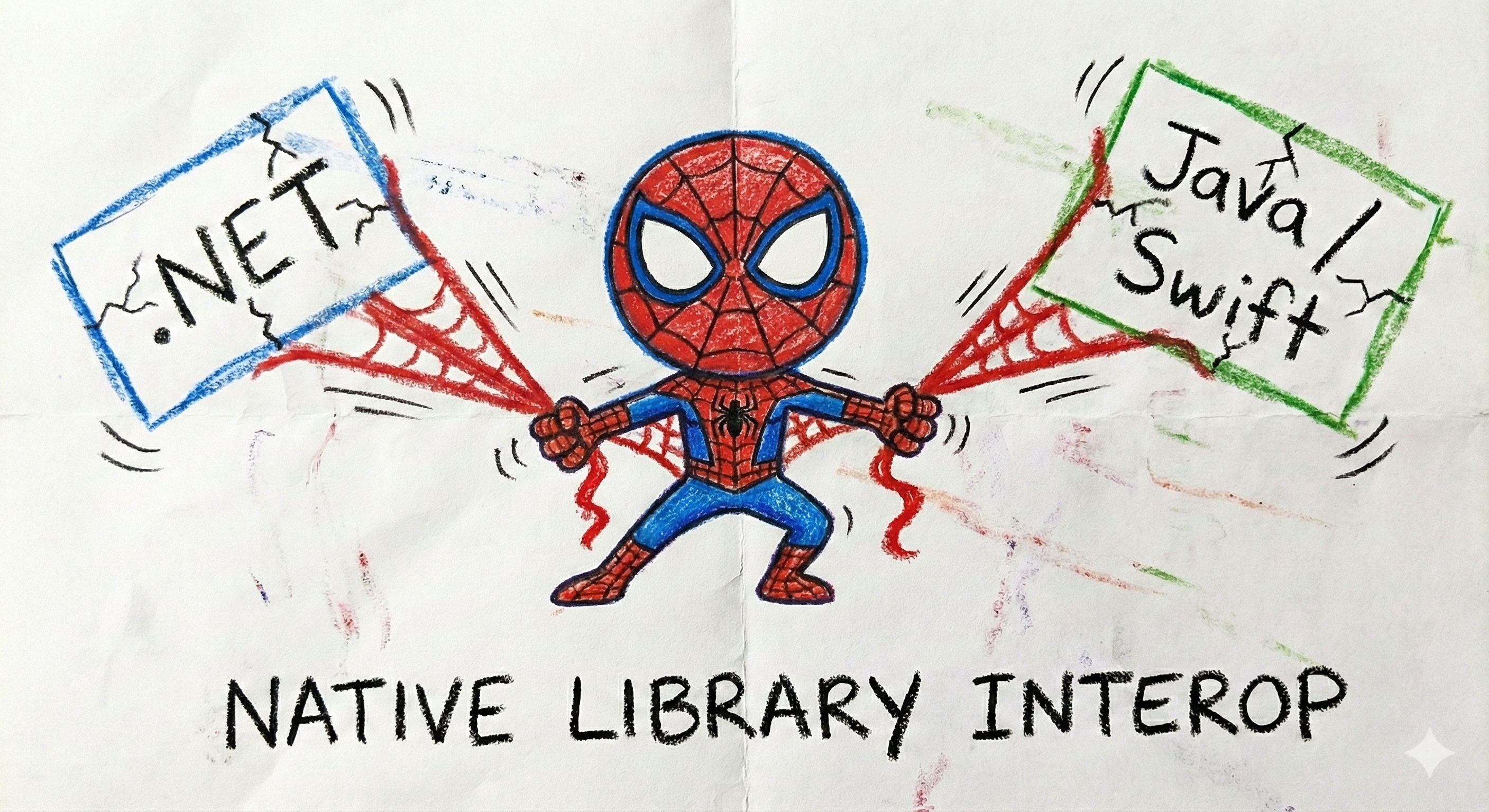
Native Library Interop (NLI) is like having Spider-Man swing between two buildings - except the buildings are programming languages, and Spider-Man is your C# code trying to talk to native mobile libraries.
When you write a .NET MAUI app, you’re writing C#. But the really cool mobile SDKs (like Datadog’s) are written in the native languages:
- Android: Kotlin/Java
- iOS: Swift/Objective-C
NLI is the bridge that lets your C# code call into these native libraries without you having to learn Kotlin, Java, Swift, or Objective-C. It’s basically a universal translator for code.
How Does It Work?
Think of it like ordering at a restaurant in a foreign country:
- You (C# developer) want to order food
- The waiter (NLI binding) speaks both English and the local language
- The chef (native SDK) only speaks the local language
- The waiter translates your order → chef cooks → waiter translates back with your food
In code terms:
// You write this in C#:
Datadog.Initialize(config);

// The binding translates it to:
// Android: DatadogSdk.initialize(context, configuration)
// iOS: Datadog.initialize(configuration: config)

// You get the result back in C# - no translation needed!
Why Do We Need Bindings?
Mobile platforms have decades of mature, battle-tested native libraries. Instead of rewriting everything in C#, we create bindings - thin wrappers that expose native functionality through C# APIs.
For Android (Java/Kotlin → C#)
- We use .NET for Android bindings (formerly Xamarin.Android)
- Takes Java/Kotlin
.jaror.aarfiles - Generates C# classes that call the native code
For iOS (Swift/Objective-C → C#)
- We use .NET for iOS bindings (formerly Xamarin.iOS)
- Takes Objective-C
.frameworkor Swift modules - Generates C# classes that call the native code
The Secret Sauce
Here’s where it gets fun: when you call a C# method in a binding, under the hood it’s doing something like this:
Android:
// Your C# call
datadog.TrackEvent("user_login");

// Becomes a JNI (Java Native Interface) call
JNIEnv.CallVoidMethod(javaObject, methodId, javaArgs);
iOS:
// Your C# call
datadog.TrackEvent("user_login");

// Becomes an Objective-C runtime call
objc_msgSend(nativeObject, selector, args);
You never see this complexity - the binding handles it all!
Why This Matters for Datadog MAUI SDK
The Datadog MAUI SDK is actually three layers working together:
- Native SDKs - The real heavy lifters (Kotlin/Swift)
- Datadog’s Android SDK (written in Kotlin)
- Datadog’s iOS SDK (written in Swift)
- Platform Bindings - The translators (C# → Native)
Datadog.MAUI.Android.*packagesDatadog.MAUI.iOS.*packages
- Unified Plugin - The friendly interface (Pure C#)
Datadog.MAUIpackage- Single API that works on both platforms
Your App (C#)
    ↓
Unified Plugin (C# - cross-platform)
    ↓
Platform Bindings (C# - platform-specific)
    ↓
Native SDKs (Kotlin/Swift)
    ↓
Datadog Backend
The Good News
As a user of the SDK, you don’t need to think about any of this! You just:
// Install the package
dotnet add package Datadog.MAUI

// Use the unified API
Datadog.Initialize(config);
Datadog.Logs.Info("Hello from C#!");
The bindings handle all the translation magic behind the scenes.
The “Why Not Pure C#?” Question
Fair question! Why not just rewrite everything in C#?
Short answer: We’d rather spend our time building features than rewriting perfectly good code.
Long answer:
- Native SDKs are massive (thousands of lines of battle-tested code)
- They’re updated frequently with bug fixes and new features
- They’re optimized for their specific platforms
- By using bindings, we get all native updates automatically
- Our job is just to keep the translation layer up-to-date
Learn More
Want to dive deeper into how we build these bindings?
- Android: See Android Dependencies
- iOS: See iOS Binding Strategy
- Architecture: See Packaging Architecture
Now you know the secret: when you call a C# method, it’s actually a superhero swinging between language worlds to make it work! 🕷️